Category vSphere

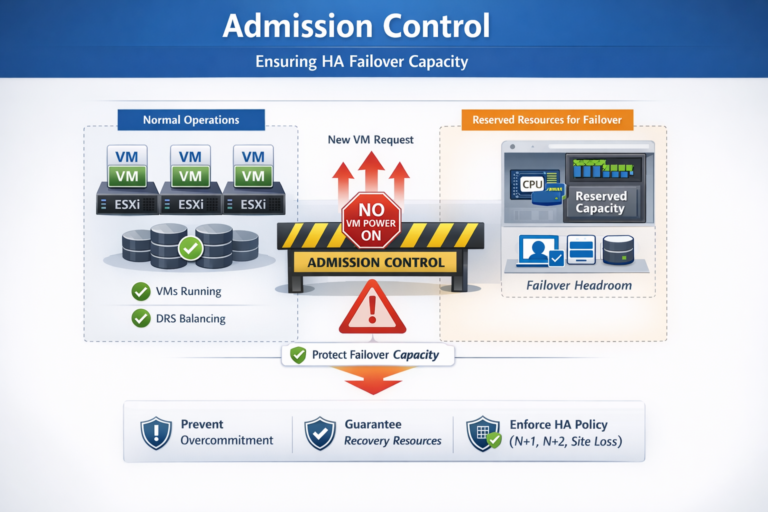
Admission Control

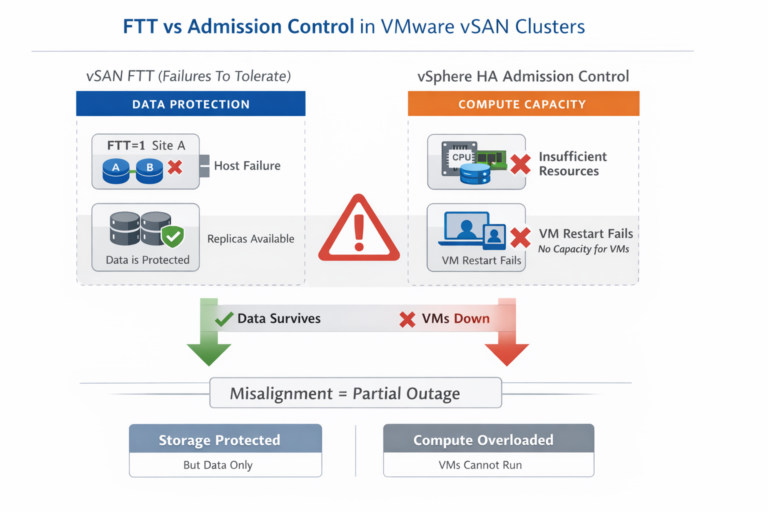
Admission Control is the policy engine within VMware vSphere HA that enforces survivability guarantees.Its purpose is not performance optimization—it is risk containment. Admission Control ensures that the cluster never commits more compute resources than it can safely recover after a defined failure…

The Best of Both Worlds: Combining VMware Stretched Clusters with Live Site Recovery for Long-Distance Resilience

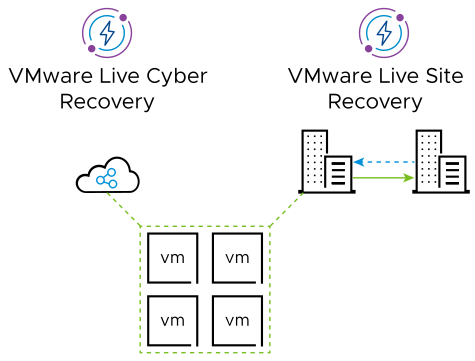
Designing a modern VMware availability and disaster recovery strategy often feels like a forced choice between two competing priorities: achieving near-zero downtime or protecting workloads across long geographic distances. VMware Stretched Clusters are exceptionally effective at delivering continuous availability across…

VMware Stretched Cluster vs. VMware Live Site Recovery (VLSR)

Side‑by‑Side Architectural Comparison Category VMware Stretched Cluster VMware Live Site Recovery (VLSR) Primary Purpose Disaster avoidance through continuous availability Disaster recovery through orchestrated failover and failback Failure Model Survive site failure while workloads continue running Accept outage, then recover workloads…

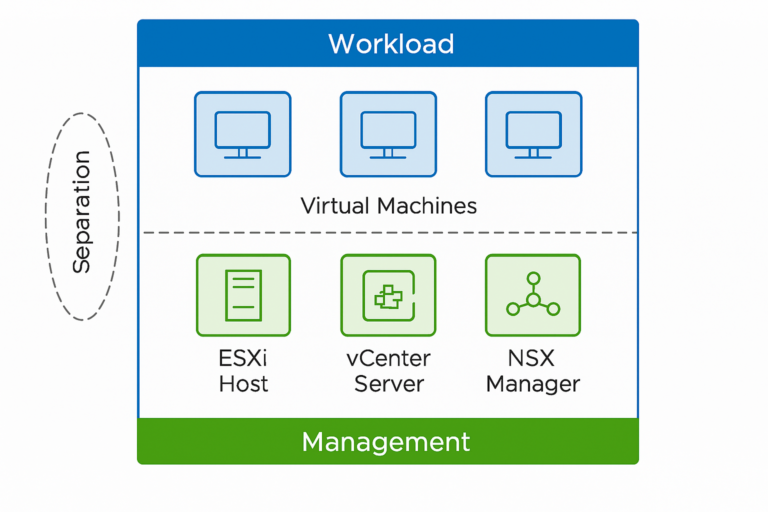
Why Separating Workload and Management Should Be a Standard in Every VMware Environment

As virtualization continues to mature and hybrid cloud models become the norm, one architectural principle consistently proves itself essential for both resilience and security: the separation of workload and management. In VMware environments—whether traditional vSphere, VMware Cloud Foundation (VCF), or hybrid…

KPI – Uptime ESXi and VMs

KPIs, or Key Performance Indicators, in an IT system context are measurable metrics used to evaluate the performance, reliability, and efficiency of the system. These indicators help Key Performance Indicators, or KPIs, are measurable metrics used to assess the performance,…

Create a credentials file for vSphere

Instead of having to enter the username and passwords every time you are running a script it is a good idea to create a credentials file and encrypt it on your system. Create encrypted file This creates a file C:\vCenterCredentials.xml…

Share on Social Media